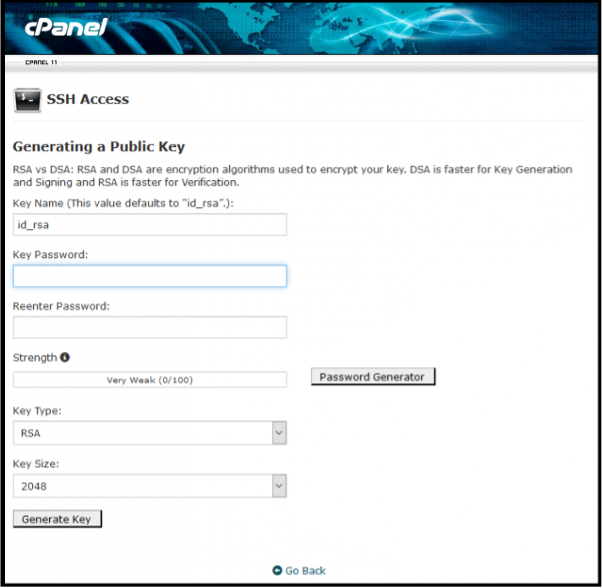
To enable SSH access from your cPanel please click on Advanced Section and then SSH/Shell Access. In case, you open the corresponding segment; you can get a fresh pair of SSH keys. You will require these keys in order to configure an SSH connection from your local computer to the server. The public key is kept on the server and you will have to introduce the private in your local SSH software.
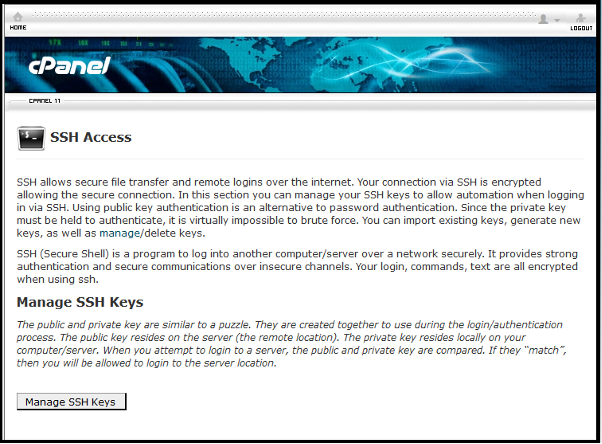
Enter your first name, last name, and e-mail account. You can get a random passphrase just write it down. You will require it in order to install the SSH connection. In the Allowed IP address field set the IP from which you want to install the SSH connection. You can discover it once you open the http://ip.hostafrica.co.za/ URL in your WWW browser.
Once you are ready, click on the Generate button.
If you already with SSH pair, you can now directly paste the public key in the Public Key text window. Enter the Allowed IP address and Upload button.
You can check the details of the allowed SSH connections in the Manage Current key section. You can place the matching comments, a part of the public key, and the allowed IPs.
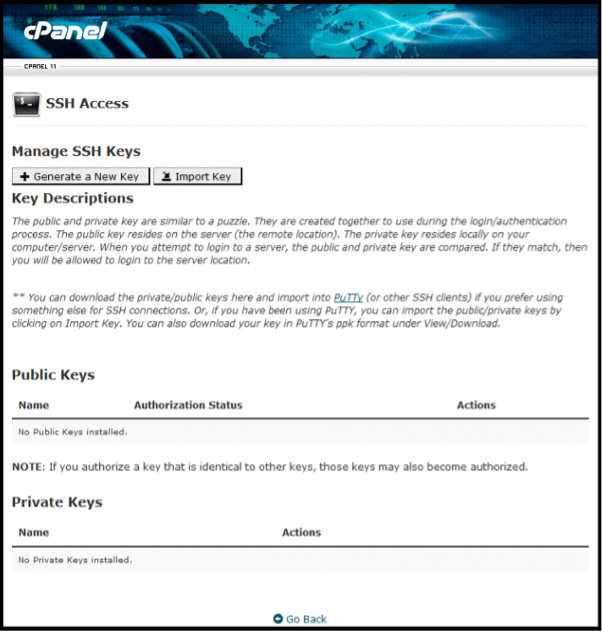
You can take away all the SSH keys or just select a single or add more IPs through the Add IP link. Paste the new IP in the visualized field and click on the Add IP button.